Hold Fn to dictate, anywhere
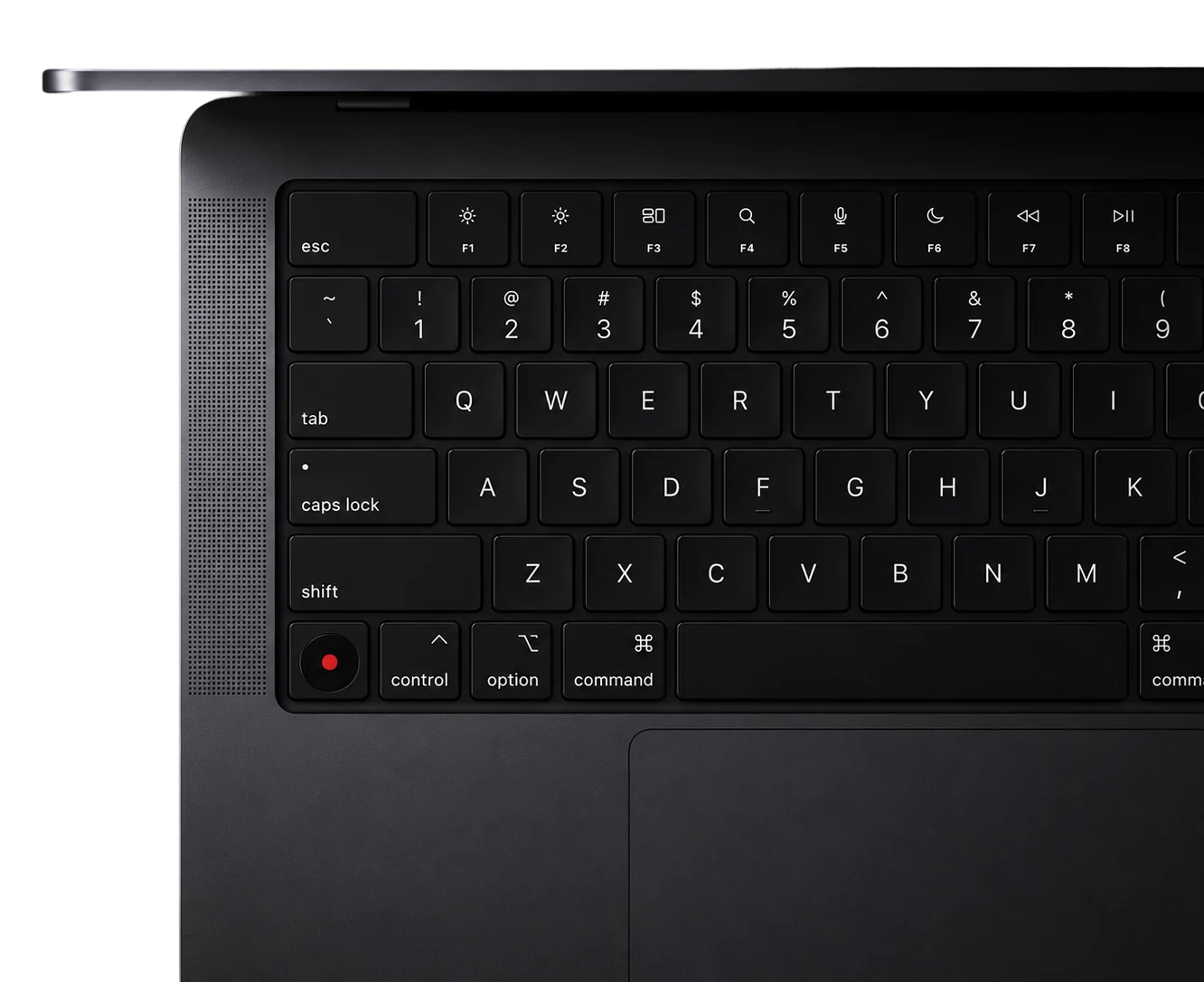
Press and hold Fn in any app. Speak. Let go. Your words land where you're typing, cleaned up.
Write by speaking and turn your meetings into searchable notes
with summaries and action items, nothing leaves your Mac
7-day free trial
A NEW LAYER
Hold a key, speak, and your
words land where you're typing.
Let it hear your meetings and
keep every word for you.
Ask anything you've said, and
find it by what you meant.
HOW IT WORKS
Press and hold Fn in any app. Speak. Let go. Your words land where you're typing, cleaned up.
Start a long recording anywhere. Every segment is transcribed, titled, and saved to your library.
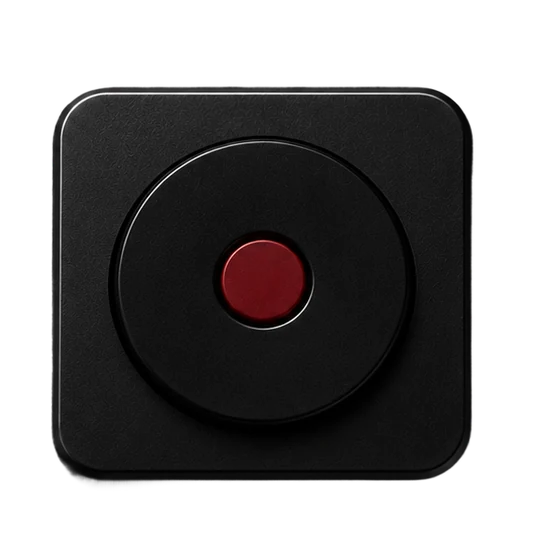
Click the O at the top of your screen to record, open your library, or change any setting.
See every recording and dictation in one place. Search the transcript, jump back into the audio, and find the exact moment you need.
PRIVACY
Your voice never leaves your Mac.
We don't record it.
We don't read it.
We don't have it.
PAY ONCE · LIFETIME · NO SUBSCRIPTION
Your keyboard didn't come with a subscription.
Neither does your voice.
Made for Apple Silicon · macOS 14+